Ongo Billing ++4.999
Publisher Description
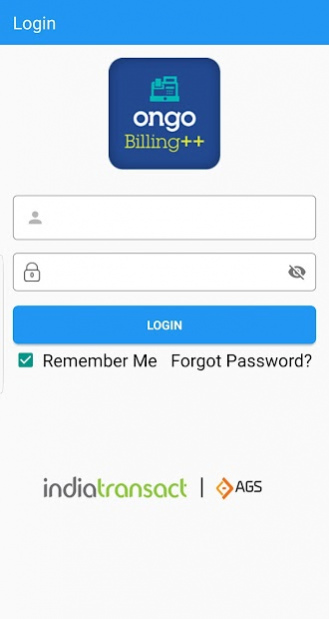
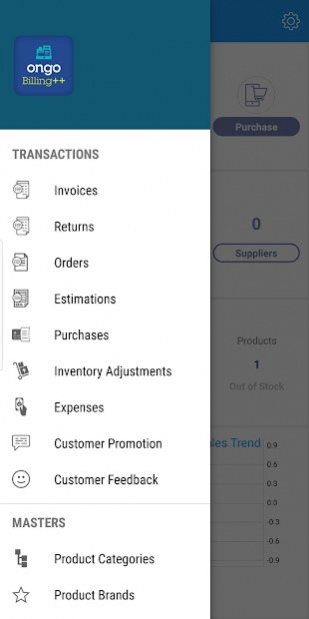
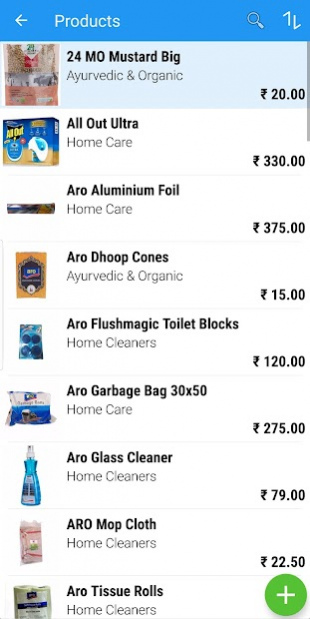
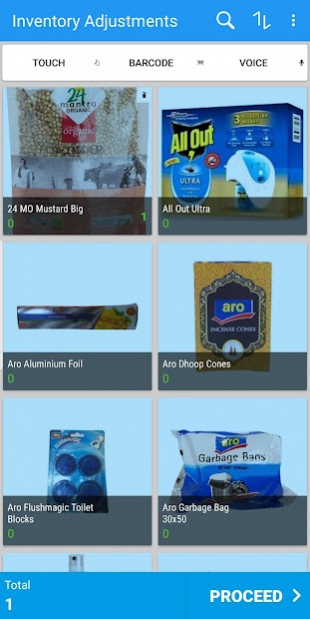
Ongo Billing++ is an app designed to simplify billing operations and integrate multiple payment modes seamlessly.
Key Features:
- Invoice Generation
- Customer Management
- Loyalty & Promotions
- Easy Integration
- e-mail, SMS or Whatsapp
- Payment Tracking
- Reports & Analytics
- Cloud back office Portal
- Online & Offline mode
- Multi-user Support
- Printer & Card Reader
The solution aims at delivering enhanced productivity across retail, restaurant and professional services verticals.
Retail Solution: Ideal solution for three touch billing, barcode scanning and supports unlimited products
- Grocery
- Supermarket
- Stationery & Gift shop
- Bookstore
- Electronics
- Salon & Spa
Restaurant Solution: Solution designed to work with waiter ordering, self-ordering, digital kitchen order, digital queue display across formats such as:
- Dine-out
- Food Delivery
- Restaurants
- Quick Service Restaurants (QSRs)
- Bakery & Confectionery
- Coffee Shop
Professional Services: Apt invoicing app for professional service providers like plumbers, electricians, florist, accountants, event managers, photographers, consultants, contractors etc.
About Ongo Billing ++
The company that develops Ongo Billing ++ is India Transact Services Limited. The latest version released by its developer is 4.999.
To install Ongo Billing ++ on your Android device, just click the green Continue To App button above to start the installation process. The app is listed on our website since 2021-07-28 and was downloaded 9 times. We have already checked if the download link is safe, however for your own protection we recommend that you scan the downloaded app with your antivirus. Your antivirus may detect the Ongo Billing ++ as malware as malware if the download link to com.ongobilling.pos is broken.
How to install Ongo Billing ++ on your Android device:
- Click on the Continue To App button on our website. This will redirect you to Google Play.
- Once the Ongo Billing ++ is shown in the Google Play listing of your Android device, you can start its download and installation. Tap on the Install button located below the search bar and to the right of the app icon.
- A pop-up window with the permissions required by Ongo Billing ++ will be shown. Click on Accept to continue the process.
- Ongo Billing ++ will be downloaded onto your device, displaying a progress. Once the download completes, the installation will start and you'll get a notification after the installation is finished.
Program Details
System requirements
Download information
Pricing
Version History
version Ignite 4.999
posted on 2021-07-28
- Bug fixes
version Ignite(4.993)
posted on 2020-11-21
. Aadhaar number field for B2C customer has been introduced in customer
entry page.
. TCS tax feature has been implemented.
. 8 new report have been introduced at the app level.
a. Cancelled order analysis.
b. Complimentary sales by quantity.
c. Serial Expiry report.
d. Batch Expiry report.
e. Detailed Purchase Invoice.
f. Detailed returned order.
g. Detailed sales order.
h. Detailed sales invoice.
. Bug fixes.
version Ignite(4.992)
posted on 2020-09-21
. Invoice level tax and discount screen has been made same as Windows.
. Bug fixes.
